Correcting terrestrial laser scan registration for use in RealityScan - Recreating and testing the registration in MeshLab
Author: Stefan Lindgren and Carolina Larsson - Last update 2026-08-19
Citation:
Larsson, C., & Lindgren, S. (2026). Open-Source Workflow for Correcting Terrestrial Laser Scan Registration for RealityScan [Computer software]. Zenodo. doi.org/10.5281/zenodo.21989989
Tutorial 3: Recreating and testing the registration in MeshLab
Purpose
Recreate the original registration in MeshLab and determine whether the registration errors can be corrected using MeshLab's alignment tools.
Recommended MeshLab version
When working with alignments in MeshLab it is better to use an earlier version of MeshLab, since they handle alignments reliably. MeshLab version 2020.12 is a good choice, and it can be downloaded from:
https://github.com/cnr-isti-vclab/meshlab/releases/tag/Meshlab-2020.12
Workflow
Open MeshLab version 2020.12 and select “Open project…”
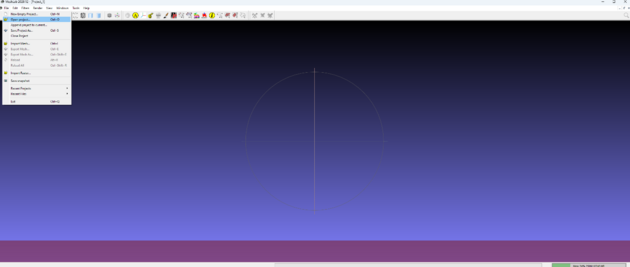
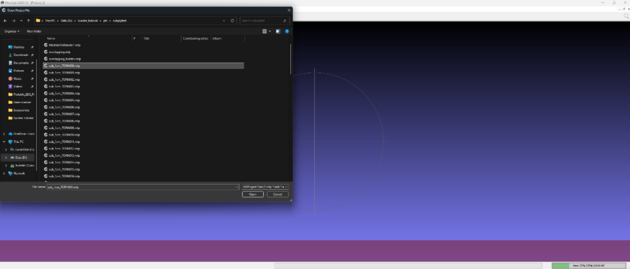
Select the first of the MLP files that was created by the script and click open.
Then select File -> Append project to current…and select all the other MLP files to that project
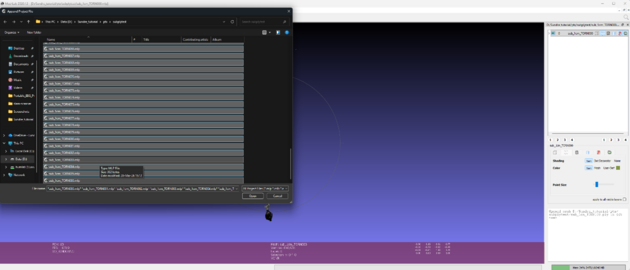
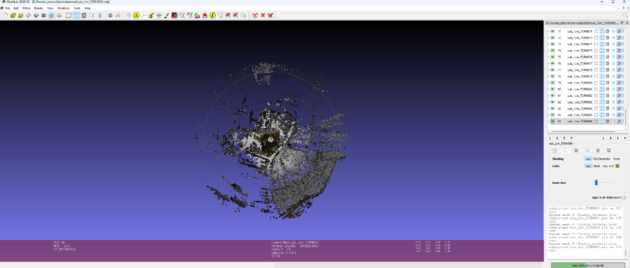
Verify that the scans appear exactly as they did in the original registration in Scene.

Save as a new project.
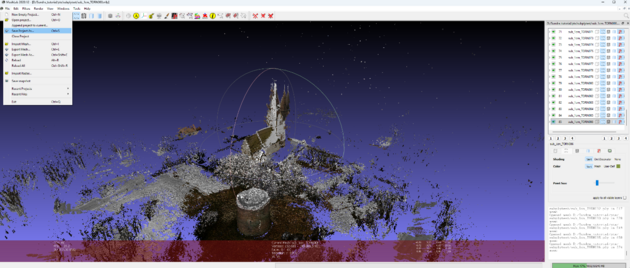
The result of all this is that there is a MeshLab project that exactly represents the alignment done in Scene. At this stage, the original registration has been recreated in MeshLab. The following steps focus on correcting the registration errors while preserving the relationship between scan coordinates and transformation matrices.
Testing the registration
Before attempting any manual corrections, it is worth trying MeshLab's automatic alignment tools. If the scans are already close to their correct positions, this may be sufficient to correct the registration.
Automatic Alignment in MeshLab
Select the alignment tool
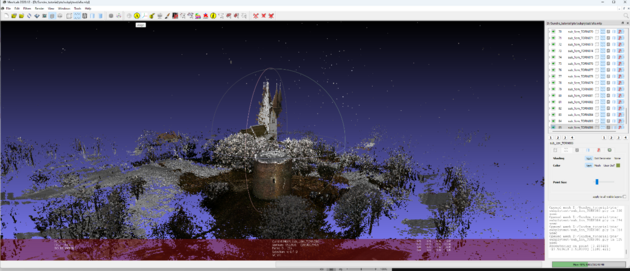
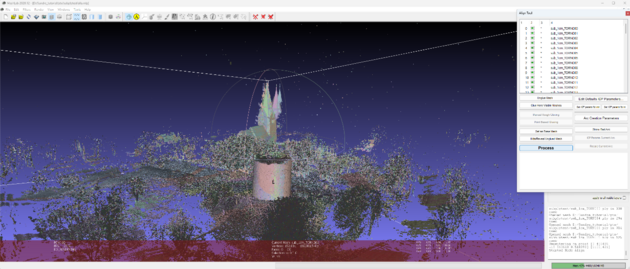
Click Glue Here Visible Meshes
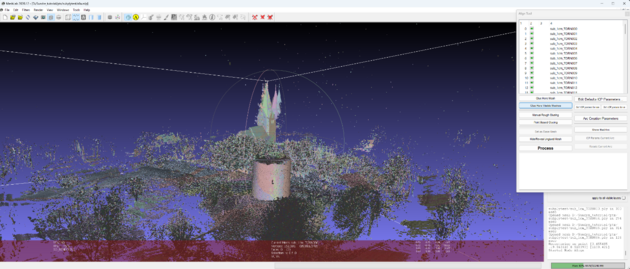
Then press process.